U.S. creators: meet WCAG 2.1 AA with practical captioning steps. Get the three essentials—accuracy, timing, sound—and deliver SRT/WebVTT files.

ADA Video Captioning: A Practical Workflow for U.S. Creators
Public-facing video in the United States generally needs accessible captions, and WCAG 2.1 Level AA is the practical standard behind ADA, Section 508, and DOJ guidance. Compliant captions have to hit three marks: accuracy, tight synchronization with the audio, and clear labeling of speakers and non-speech sound. Once a video clears those three, publish a closed-caption file in SRT or WebVTT format alongside a full transcript.
TL;DR:
Automatic speech recognition tools provide a fast initial caption draft but require human correction to meet accuracy standards of nearly 100 percent.
Compliant captions must be synchronized within 100 milliseconds of the audio and include speaker labels, sound effects, and ambient noise cues in brackets.
US laws and standards demand WCAG 2.1 Level AA compliance for public videos, with additional requirements for government, contractors, and broadcast content.
Preferred formats are SRT and WebVTT for web accessibility, with open captions for social media; burned-in captions alone do not satisfy legal accessibility standards.
Producing captions against a locked, finalized video, with planning on set for clear audio and organized scripts, significantly reduces editing time and improves accuracy.
Simchon ProductionsCreate Video Built for AccessibilitySimchon Productions creates cinematic films with intentional storytelling and post-production for organizations, institutions, and brands.Visit Simchon Productions
Table of Contents
What US laws and standards govern captions for video?
What makes captions compliant for accuracy, timing, and sound?
What caption types and file formats should you use?
How do you produce compliant captions for prerecorded and live video?
What styling and placement rules make captions accessible?
What’s the QA checklist for compliant captions?
How does Simchon Productions build video that’s easier to caption?
Author perspective: what actually matters in ADA video captioning
Want video that’s built for accessible captioning from day one?
Sources
FAQ
What US laws and standards govern captions for video?
Federal rules now point to one technical standard: WCAG 2.1 Level AA. The DOJ Title II Final Rule, issued April 24, 2024, requires state and local governments to meet that standard, with a compliance deadline of April 24, 2026 for jurisdictions over 50,000 people and April 24, 2027 for smaller ones.
ADA Title III covers private businesses differently. There’s no single federal regulation naming WCAG for private companies, but DOJ guidance and court rulings treat WCAG AA as the working benchmark. A business that skips accurate captions on a prerecorded video is exposed to Title III legal risk, even without a specific numeric mandate in the statute.
Federal agencies and contractors answer to a different rule. Section 508 requires synchronized closed captions on prerecorded content and real-time captions on live video. Miss that, and it can affect procurement contracts, not just accessibility complaints.
The FCC and CVAA add one more layer for previously broadcast content, setting quality expectations around accuracy, synchronicity, completeness, and placement, though without a fixed numeric accuracy target.
Here’s the practical takeaway for anyone producing video in 2026:
If you serve the public in any capacity, build every video around WCAG 2.1 AA from the start.
Government and contractor work must meet Section 508 on top of WCAG.
Private businesses face growing legal exposure under ADA Title III even without a hard numeric rule.
Previously broadcast content falls under FCC/CVAA quality standards.
What makes captions compliant for accuracy, timing, and sound?
Compliant captions need near-perfect accuracy, synchronization within about 100 milliseconds of the audio, and labels for both speakers and non-speech sound. WCAG Success Criteria 1.2.2 and 1.2.4 require captions to be accurate, complete, and synchronized for both prerecorded and live media.
Accuracy means every word matches what’s spoken, including names and technical terms. The FCC references a practical industry target of 99% or higher for defensible caption quality on broadcast-adjacent content, though no numeric figure is legally mandated for every use case.
A caption file also needs:
Music cues and sound effects noted in brackets, like [upbeat music] or [door slams]
Ambient noise described when it affects meaning, such as [crowd cheering]
Speaker labels whenever more than one person talks
Two lines maximum per caption, roughly 45 characters per line, centered in the lower third
Statistic to remember: Platform auto-captioning tools handle clean, single-speaker audio reasonably well, but accuracy drops sharply with accents, technical vocabulary, or background noise. That’s why nobody in this business ships raw auto-captions without a human pass.
What caption types and file formats should you use?
Closed captions in SRT or WebVTT format are the right choice for accessibility because viewers can toggle them on or off. Open captions, also called burned-in captions, stay visible at all times and work best for social platforms where a viewer can’t turn captions on.
Here’s how the formats break down:
Closed captions (SRT, WebVTT, TTML): preferred for web accessibility and required for toggle functionality
Open/burned-in captions: best for social feeds like Instagram or TikTok where autoplay happens with sound off
SDH (Subtitles for the Deaf and Hard of Hearing): built for translated content that still needs non-speech audio cues
Transcripts: a supplementary text document that supports captions but doesn’t replace them
WebVTT works natively with HTML5 video players on most websites. SRT remains the most widely accepted upload format across platforms. Burned-in captions help with social reach, but they don’t satisfy accessibility requirements on their own. Deliver both a closed-caption file and an open-caption export whenever the budget allows it.
How do you produce compliant captions for prerecorded and live video?
Start with a finished, locked video, then layer captions on top rather than guessing at timing with a rough cut. Here’s the workflow that actually holds up under scrutiny:
Lock the final edit. Captioning against a video that’s still changing wastes time and money.
Run AI-generated captions first. Tools built for automatic speech recognition give you a fast first draft.
Send that draft to a human editor. A person corrects misheard words, adds speaker names, and tags non-speech audio the software missed.
Export SRT and WebVTT files. Deliver both so the video works across different players and platforms.
Test the captions inside the actual player. Toggle them on and off, check timing on mobile, and confirm nothing overlaps with on-screen text.
Live video works differently. Professional stenography, known as CART (Communication Access Realtime Translation), delivers the highest accuracy but costs more and requires booking in advance. Automatic speech recognition paired with a live editor is a workable alternative when CART isn’t available, though it trades some accuracy for lower cost and easier scheduling. Professional stenography, known as CART (Communication Access Realtime Translation), delivers the highest accuracy but costs more and requires booking in advance. Automatic speech recognition paired with a live editor is a workable alternative when CART isn’t available, though it trades some accuracy for lower cost and easier scheduling.
Pro Tip: Build your speaker list and glossary of names before you shoot, not after. Planning captioning at the script stage can cut edit time by roughly half and prevents timing conflicts with on-screen graphics.

Before you publish anything, run three checks: toggle the captions on a phone screen, confirm a transcript exists, and read the captions out loud against the video to catch anything that sounds off.
What styling and placement rules make captions accessible?
Readable captions use a sans-serif font, white text, and enough contrast to stay legible over any background. Best-practice guidance from accessibility resources recommends fonts like Helvetica or Arial at an 18-point baseline for most players, with white text set against a translucent black background.
A few more rules matter just as much as font choice:
Cap every caption at two lines so viewers aren’t scanning a wall of text.
Keep captions in the lower third, clear of logos, lower-third graphics, or on-screen text.
Sync captions within roughly 100 milliseconds of the spoken audio.
Let viewers adjust size and color when your video player supports that feature.
What’s the QA checklist for compliant captions?
A working QA checklist covers file format, timing, speaker labels, non-speech audio, mobile readability, toggle function, and a transcript. Run every video through that list before it goes live, no exceptions for a rush deadline.
Testing methods that actually catch problems include manual review across multiple devices, running captions through automated WCAG validators, and, where possible, user testing with people who are D/deaf or hard of hearing. That last step catches issues automated tools miss entirely, like a caption that reads correctly but displays too fast to follow.
Turnaround and cost vary by method:
Approach | Typical Turnaround (per finished minute) | Best For |
|---|---|---|
AI captions + human edit | 30 minutes | Most prerecorded video with clear audio |
Full human transcription | 2 to 4 times longer than AI + edit | Technical vocabulary, heavy accents, multiple speakers |
Live ASR + editor | Real time, with brief lag | Live events without CART budget |
Professional CART stenography | Real time, highest accuracy | High-stakes live events, legal or medical content |
Cost climbs with live captioning, rush turnaround, technical vocabulary, and noisy audio. Budget accordingly if your event has overlapping speakers or a lot of jargon.
How does Simchon Productions build video that’s easier to caption?
Simchon Productions treats captioning as part of the production plan, not an afterthought bolted on after delivery. Clean scripts with speaker names attached make the captioning process faster and more accurate downstream.
On set, that means dedicated microphones, minimal audio overlap between speakers, and deliberate planning around where on-screen text will sit so captions never fight for the same space. Every post-production handoff includes a final timecoded video, a speaker list, and a glossary of names and terms for whoever handles the captioning.
Working with a single production partner for both filming and caption prep keeps quality control in one place instead of scattered across five vendors.
Author perspective: what actually matters in ADA video captioning
Accuracy and inclusion beat decorative styling every time. Fix your highest-traffic public videos first, and treat automation plus human review as the smartest use of a limited budget. Perfect font choices don’t matter if the words are wrong.
— Tzvi Simchon
Want video that’s built for accessible captioning from day one?
Simchon Productions builds every project with the post-production handoff in mind, so captioning is fast instead of a scramble at the finish line. That means clean audio capture, speaker-labeled scripts, and organized timecoded files ready for whoever handles your SRT and WebVTT delivery.
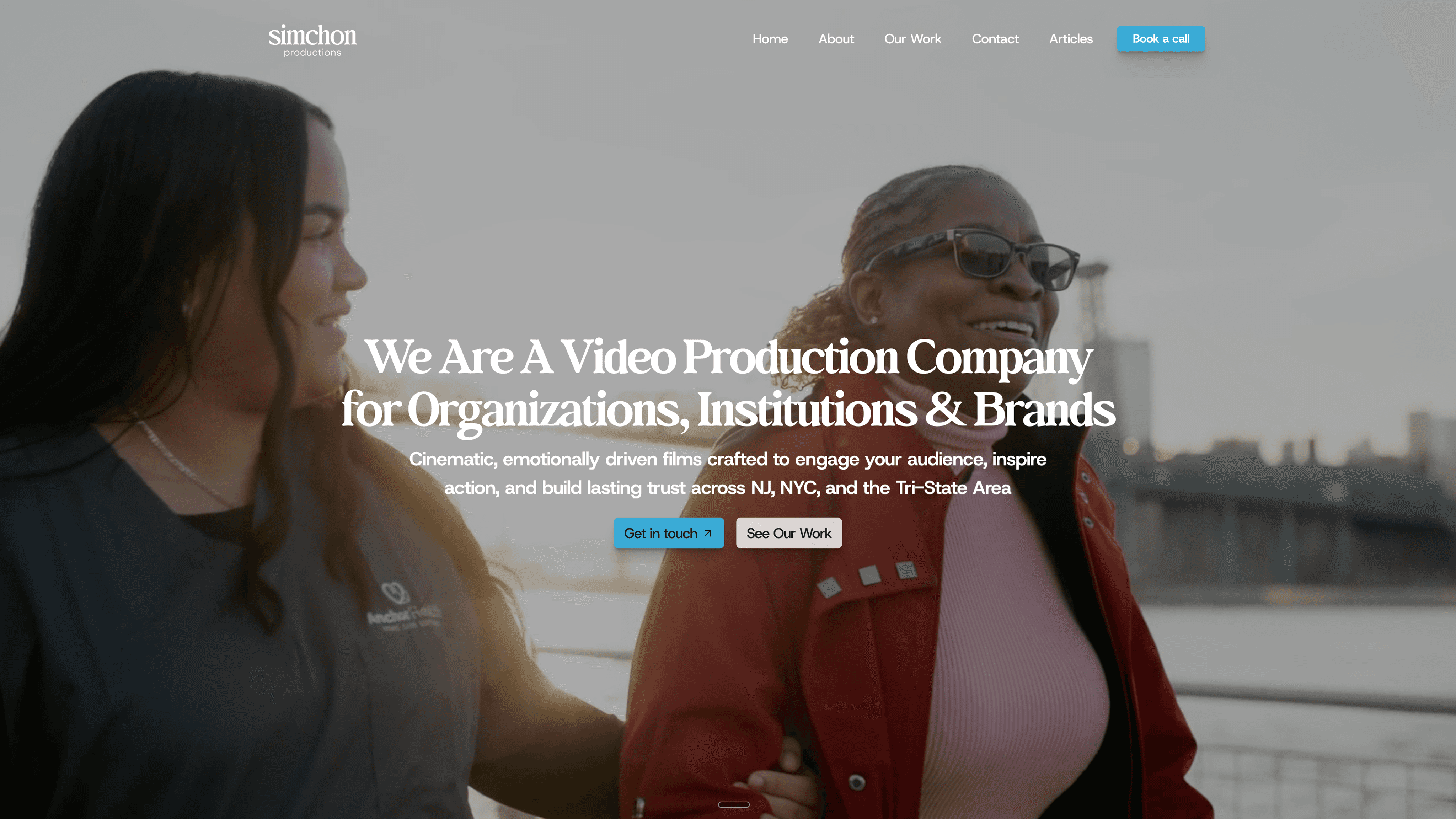
Whether you need a nonprofit donor film, a school admissions video, or healthcare marketing content that has to meet accessibility standards, the production choices made on set directly affect how much captioning costs later and how accurate those captions turn out. Some video production companies collaborate with dedicated captioning vendors for final SRT and WebVTT delivery when a project requires it. Reach out through Simchon Productions to request a quote for your next project and ask about caption-ready workflows before you shoot a single frame.
This article is general information, not a substitute for advice from a qualified lawyer. Consult a qualified legal professional about your own circumstances before acting on anything here.
Sources
FAQ
What are the ADA guidelines for closed captioning?
The ADA itself doesn’t spell out numeric caption specs, but DOJ guidance and enforcement point to WCAG 2.1 Level AA as the practical standard. That means captions must be accurate, synchronized, and include speaker identification and non-speech audio.
What are the ADA requirements for videos?
Public-facing video generally needs accessible captions that meet WCAG 2.1 AA, plus a transcript as backup. Government agencies and contractors face additional Section 508 requirements, and previously broadcast content falls under FCC/CVAA quality rules.
What is CC1, CC2, CC3, CC4 closed captioning?
CC1 through CC4 are legacy analog broadcast caption channels from an older captioning system, with CC1 carrying the primary caption language and the others reserved for secondary languages or extra data. Modern digital and streaming video has largely moved to file-based formats like SRT and WebVTT instead of these channel designations.
What are the guidelines for video captioning?
Compliant captions need accuracy near 100% after human review, synchronization within about 100 milliseconds of the audio, and clear labels for speakers and non-speech sound. Display guidelines call for two lines maximum, roughly 45 characters per line, and placement in the lower third.
Do I need both captions and a transcript?
Yes, they serve different purposes and complement each other. Captions sync with the video in real time, while a transcript gives viewers, search engines, and screen reader users a standalone text version they can read at their own pace.
How much does ADA-compliant captioning typically cost?
Cost depends on turnaround speed, audio complexity, and whether the video is live or prerecorded, with live captioning and technical vocabulary driving prices up. Simchon Productions builds caption-friendly production workflows into its video projects, and pricing for Simchon Productions services is available by request based on project scope.